Here’s the quick guide on how to use Instacap


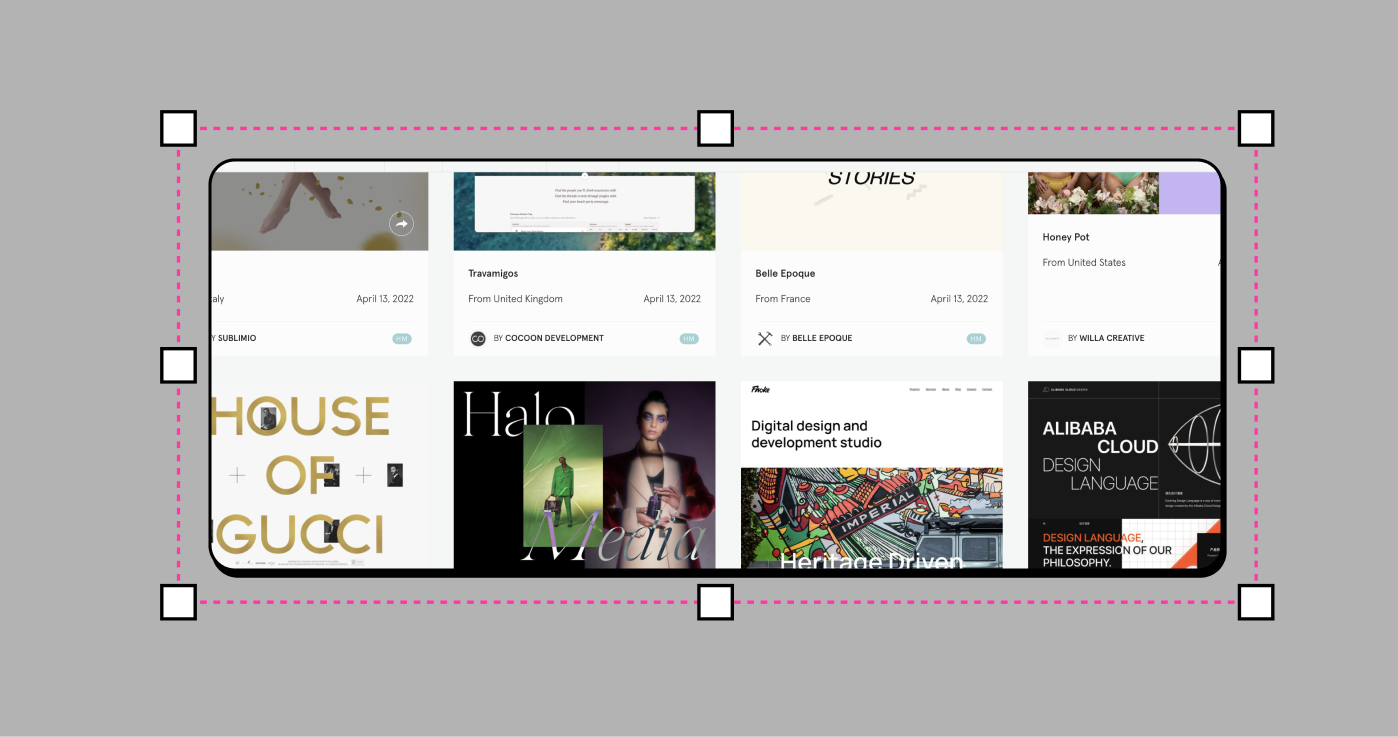

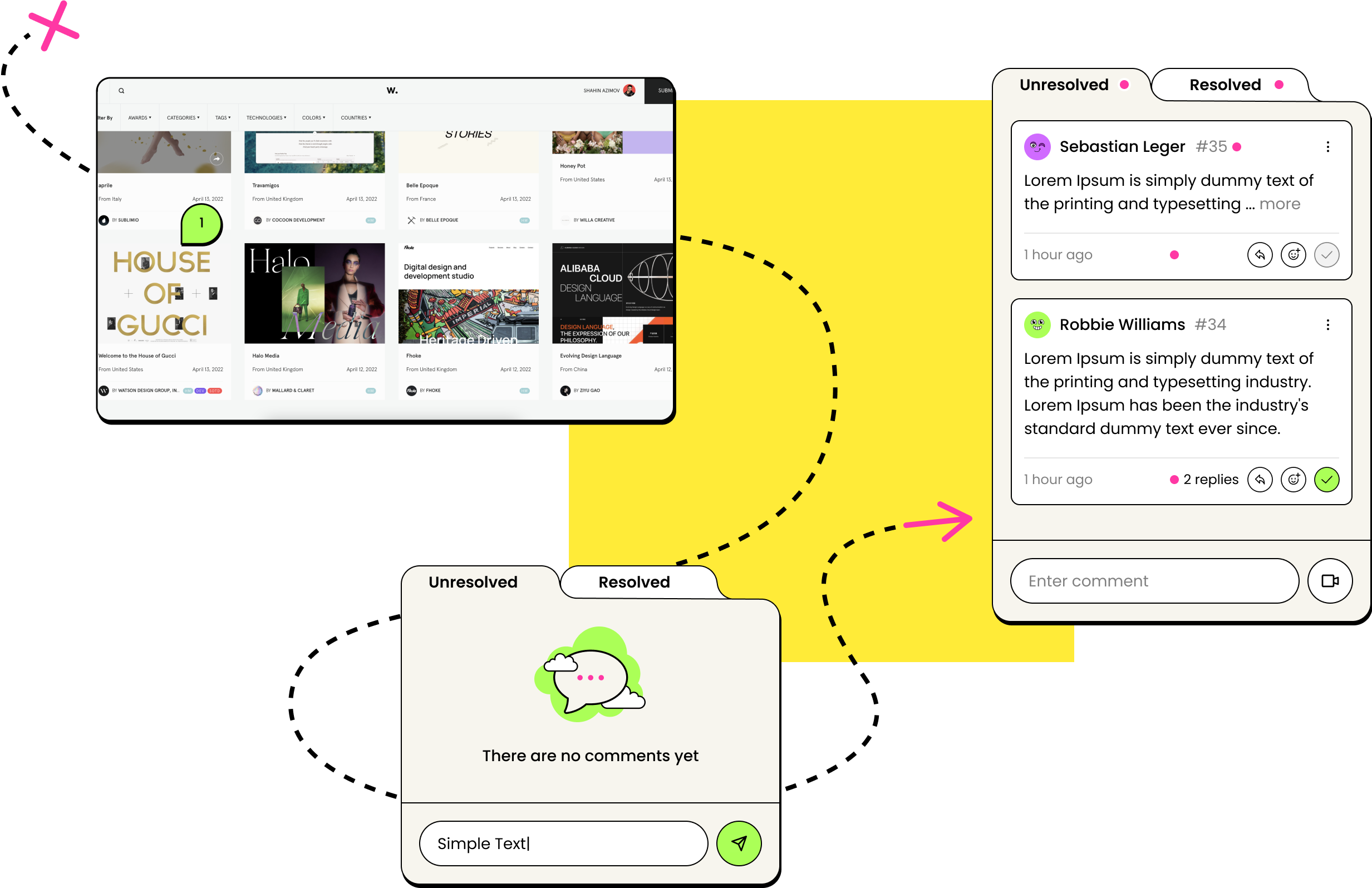

Cut through the noise with immediate, visual feedback. Go from design to build to publish without losing your mind in the process. We’ll save you time. You’ll save the day.
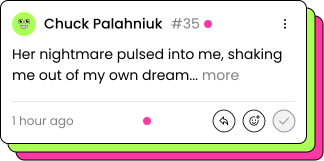
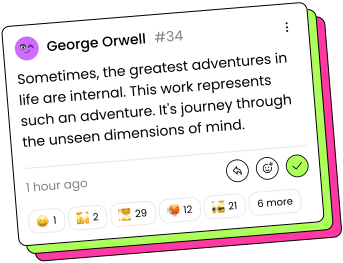
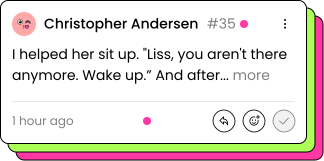





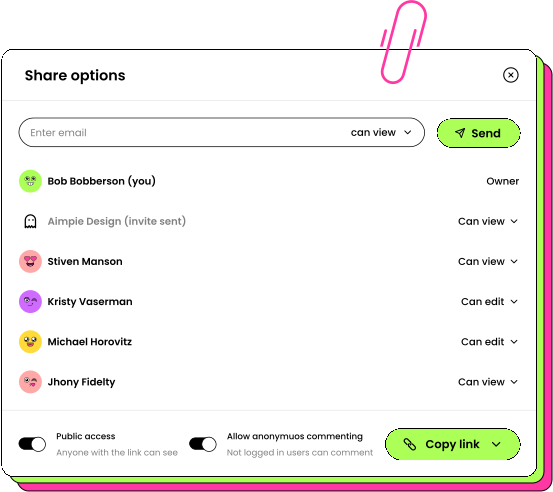
Manage and organize all web, PDF and image projects in one location and easily sort between them, invite your team members to collaborate.


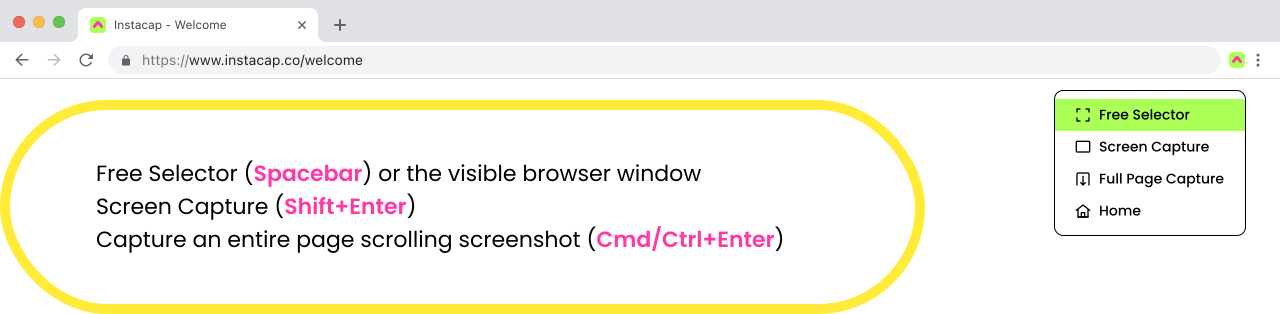
Share a link to your screen capture (Enter) to comment and reply directly on top. You can also upload other images and PDF's from your web dashboard where everything is auto-organized into groups. Check out a live demo here.